
How to make phone and WhatsApp videos look better
Sharpen blurry phone videos and clean up videos that got compressed by WhatsApp, Telegram or Instagram — remove blocks and noise, then upscale with AI on your PC.
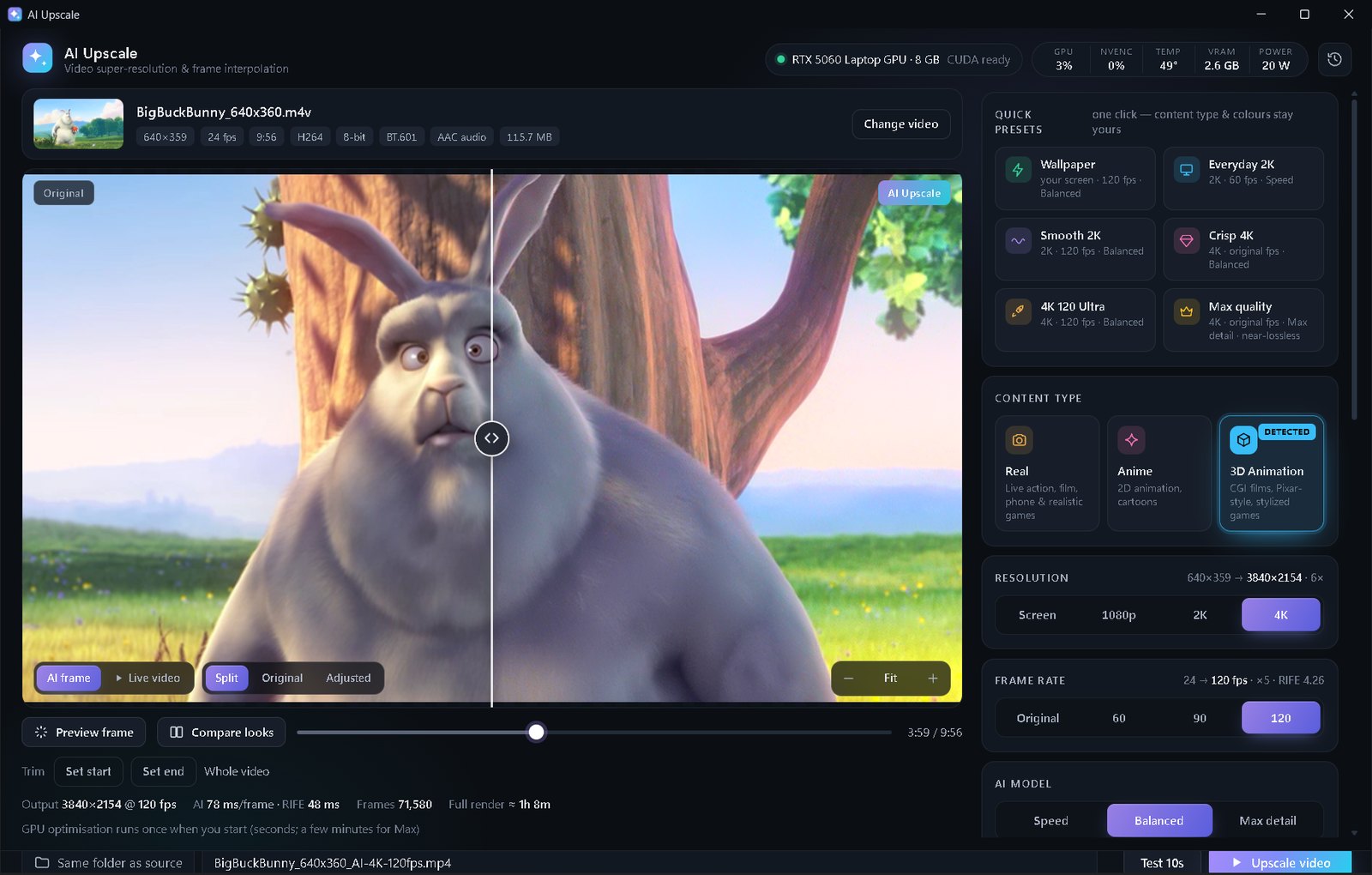
Copy the video to your PC, open it in AI Upscale, turn on Fix low-quality video, choose Real and 1080p, raise Noise reduction for dark clips, then click Upscale video.
Why phone videos look worse after sharing
Messaging apps shrink videos a lot before sending them: the resolution drops and strong compression adds blocks and smears, especially in dark scenes and fast motion. Old phones add noise and soft focus on top. The result looks fine on a small phone screen and terrible on a TV.
AI Upscale's Fix low-quality video mode uses models trained to remove exactly this kind of damage, then upscales the cleaned picture. Vertical (portrait) videos work too — the output keeps the same orientation.
Step by step
- Get the best copy you have: the original file from the phone beats a forwarded WhatsApp copy. Copy it to your PC.
- Open it in AI Upscale and make sure Fix low-quality video is on.
- Choose Real as the content type and 1080p as the resolution (portrait videos become 1080×1920).
- For dark or grainy clips, raise Noise reduction to 40–60.
- Use Test 10s and compare faces before and after.
- Click Upscale video, then copy the new file back to your phone or share it.
Tips
- Send as a document next time: WhatsApp and Telegram keep the original quality when you send a video as a file instead of as a video.
- Shaky clips also look calmer at 60 FPS (Premium).
- Colour: the Vivid and Bright presets help with dull indoor phone videos.
💡 Free edition: up to 2K, clips under 1 minute, Speed & Balanced. Premium ($5 once, yours forever): any length, 4K, Max detail, 60/120 FPS, no ads.
FAQ
Can I improve a video someone sent me on WhatsApp?
Yes — AI Upscale removes most of the compression blocks and blur and upscales it to 1080p.
Does it work with vertical videos?
Yes. Portrait videos stay portrait, e.g. 1080×1920 at 1080p.
Do I need a powerful PC?
Any NVIDIA RTX graphics card with 6 GB+ VRAM works; it was built on an RTX 5060 laptop.