
How to restore old family videos with AI
Bring old home movies back to life: digitized VHS and camcorder tapes, early phone videos and old DVDs — remove noise and blur, sharpen and upscale with AI on your own PC.
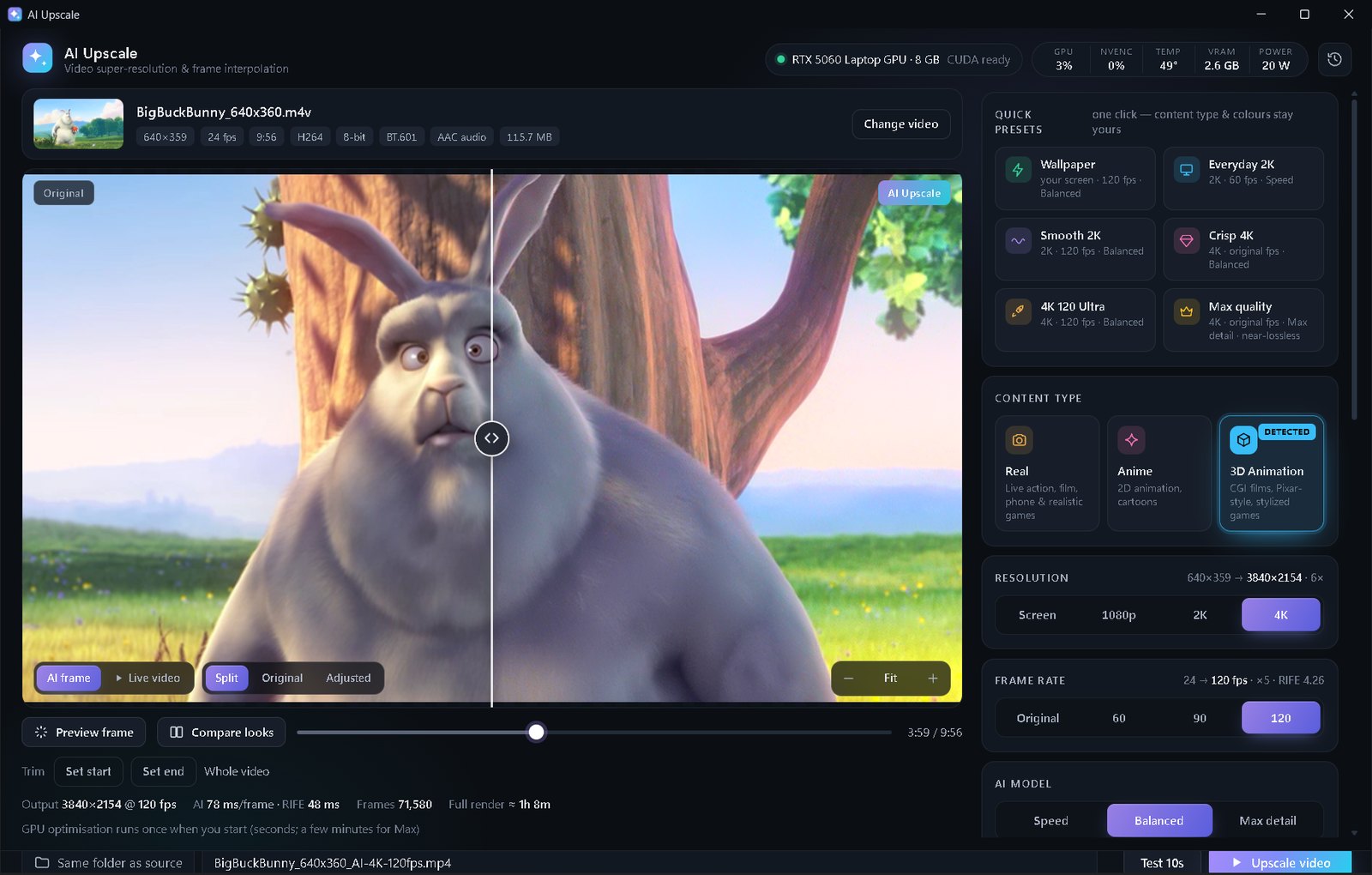
Digitize the tape first, then open the file in AI Upscale, turn on Fix low-quality video, choose Real, 1080p and Balanced, adjust colour with a preset if it looks faded, and click Upscale video. Everything stays on your PC — your family videos are never uploaded.
What AI can (and can't) do for old videos
Old home videos are usually 480p or lower, noisy, slightly blurry and often faded. AI repair models are very good at removing noise and compression blocks and at making edges and faces look crisp again. They can't invent details that the camera never recorded, so a tiny face in the background stays a tiny face — just a cleaner one.
Because these are private memories, AI Upscale runs 100% offline on your own NVIDIA graphics card. Nothing is uploaded to a server.
Step by step
- Digitize the tape or disc (a USB capture device for VHS/camcorders, or rip the DVD). Save it as MP4 or MKV.
- Open the file in AI Upscale. For very low-res files Fix low-quality video turns on by itself.
- Set the content type to Real and the resolution to 1080p — the clearest improvement for SD sources.
- Pick Balanced; for heavily damaged tapes, Max detail (Premium) uses the heaviest repair model.
- Fix faded colours with the Colour section: try Natural, Warm or Vivid, or adjust saturation and temperature — previewed live on the moving video.
- Check a Test 10s render, then click Upscale video.
Tips for tapes and old camcorders
- Interlaced video (lines on movement) should be deinterlaced when you capture it — most capture software has a checkbox for this.
- Keep the original file. AI Upscale always saves a new file and never touches the source.
- Long tapes: the free edition upscales clips under 1 minute (use Trim for favourite moments); Premium handles whole tapes in one go.
- Smooth motion: 60 FPS interpolation (Premium) makes shaky old camcorder footage look much more modern.
💡 Your videos never leave your PC. Free edition: up to 2K, clips under 1 minute. Premium ($5 once): any length, 4K, Max detail, 60/120 FPS, no ads.
FAQ
Is it safe to use AI Upscale on private family videos?
Yes — it runs entirely on your computer and never uploads anything.
Can AI fix VHS tracking lines or tape damage?
It cleans noise, blur and compression well, but strong tracking errors and dropouts should be fixed while capturing the tape.
What resolution should old videos be upscaled to?
1080p is the sweet spot for 480p/576p sources; higher resolutions mostly make the file bigger.